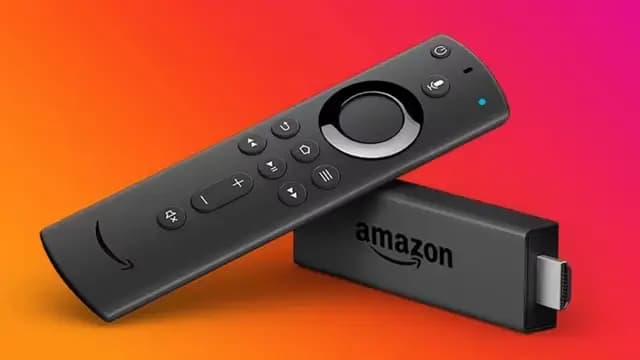
The Amazon Firestick is one of the best and most affordable devices for IPTV streaming. Follow this guide to get set up in minutes.
What You'll Need
- Amazon Firestick (any generation)
- Active internet connection (minimum 25 Mbps recommended)
- CatchOneTV subscription credentials
Step 1: Enable Apps from Unknown Sources
Go to Settings → My Fire TV → Developer Options and enable "Apps from Unknown Sources". This allows you to install IPTV apps that aren't on the Amazon App Store.
Step 2: Install the Downloader App
Search for "Downloader" in the Amazon App Store and install it. This app lets you download APK files directly to your Firestick.
Step 3: Download Your IPTV Player
Open the Downloader app and enter the URL for your preferred IPTV player (TiviMate or IPTV Smarters Pro). The app will download and install it automatically.
Step 4: Enter Your Credentials
Open the IPTV player, select "Xtream Codes Login", and enter the username, password, and server URL provided in your CatchOneTV welcome email.
Step 5: Start Watching!
That's it! Your channels will load automatically. Browse by category, search for specific channels, or set up your favorites list for quick access.